This page demonstrates all available typographic and content elements for long-form writing. Use it as a reference when creating blog posts or articles.
Heading Level 2
This is a standard body paragraph. It uses DM Sans at 17px with generous line height for comfortable reading. Paragraphs have bottom margin to create clear separation between blocks of text.
A second paragraph shows the vertical rhythm. Notice how the spacing feels consistent and breathable. Text can include bold for emphasis and italics for softer emphasis or foreign terms.
Heading Level 3
Third-level headings use DM Sans medium weight. They work well for subsections within a larger topic. Here's an example of an inline link styled in leather brown with an underline.
Heading Level 4
Fourth-level headings are uppercase with letter spacing. Use sparingly—they're for fine-grained organization within subsections.
Lists
Unordered lists use sandstone-colored markers:
- First item in the list
- Second item with more text to show how wrapping works when content extends beyond a single line
- Third item
- Fourth item
Ordered lists for sequential content:
- First step in a process
- Second step with additional detail
- Third step
- Fourth step
Blockquotes
Blockquotes use Cormorant Garamond italic with a gradient background:
A blockquote for highlighting important ideas or external quotes. The serif font adds elegance and distinction from body text.
Blockquotes can include attribution:
Design is not just what it looks like and feels like. Design is how it works.
— Steve Jobs
Code
Inline code uses a monospace font with subtle background: const example = true. Use for short code references, file names like package.json, or terminal commands.
Code blocks for longer snippets:
function greet(name) {
  return `Hello, ${name}!`;
}

// Usage
const message = greet('World');
console.log(message);
Images
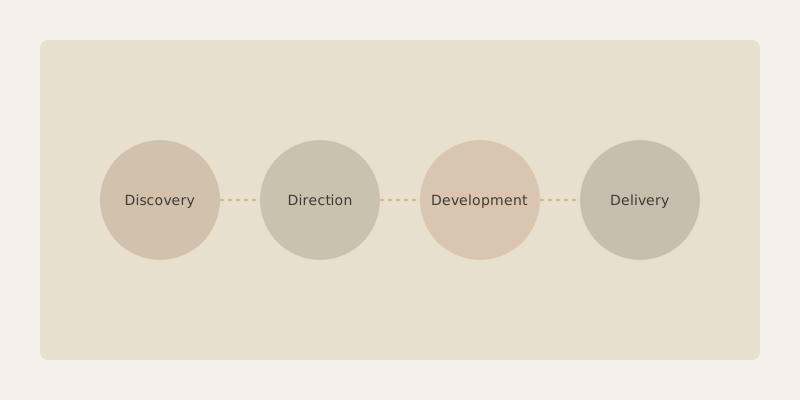
Images with captions use the figure element:
Horizontal Rules
Horizontal rules (like the ones throughout this page) use a gradient that fades at the edges. They create strong visual breaks between major sections.
Lead Paragraph
The first paragraph after the article header automatically receives lead styling—slightly larger text in moss color. This helps draw readers into the content.